Pay once. Yours for good.
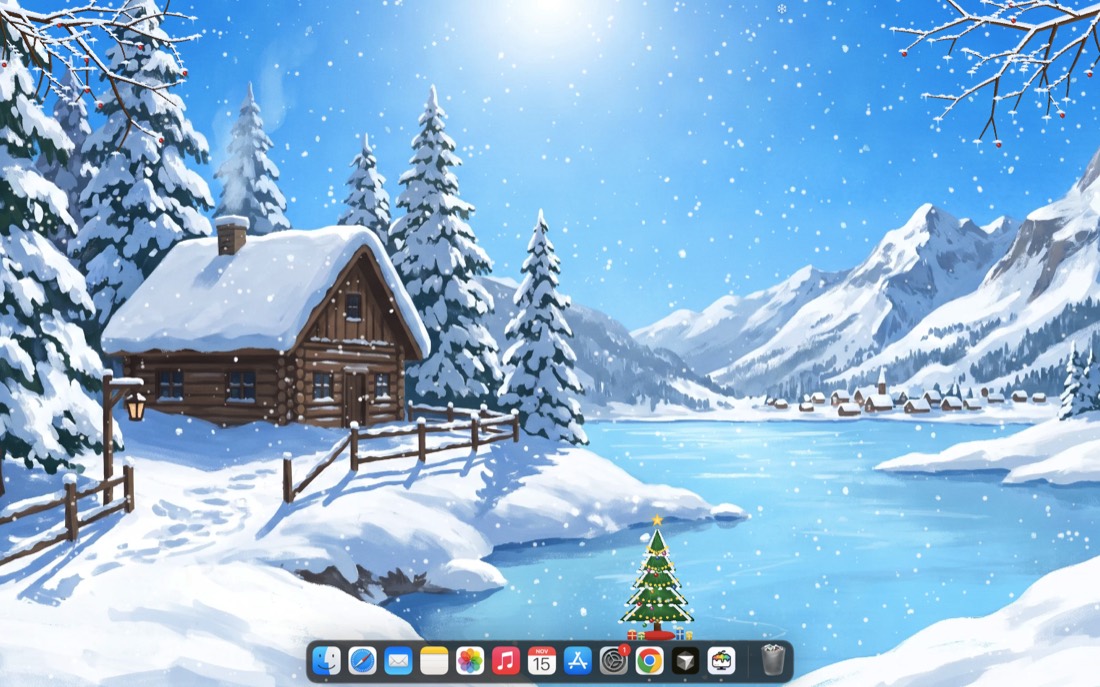
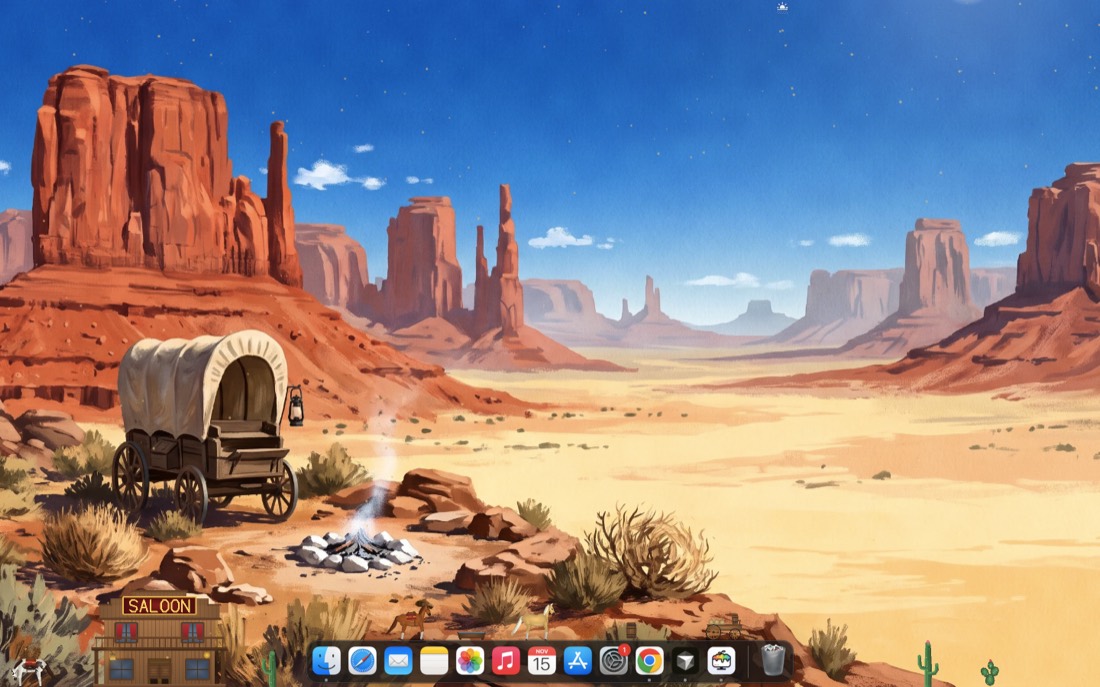
One world
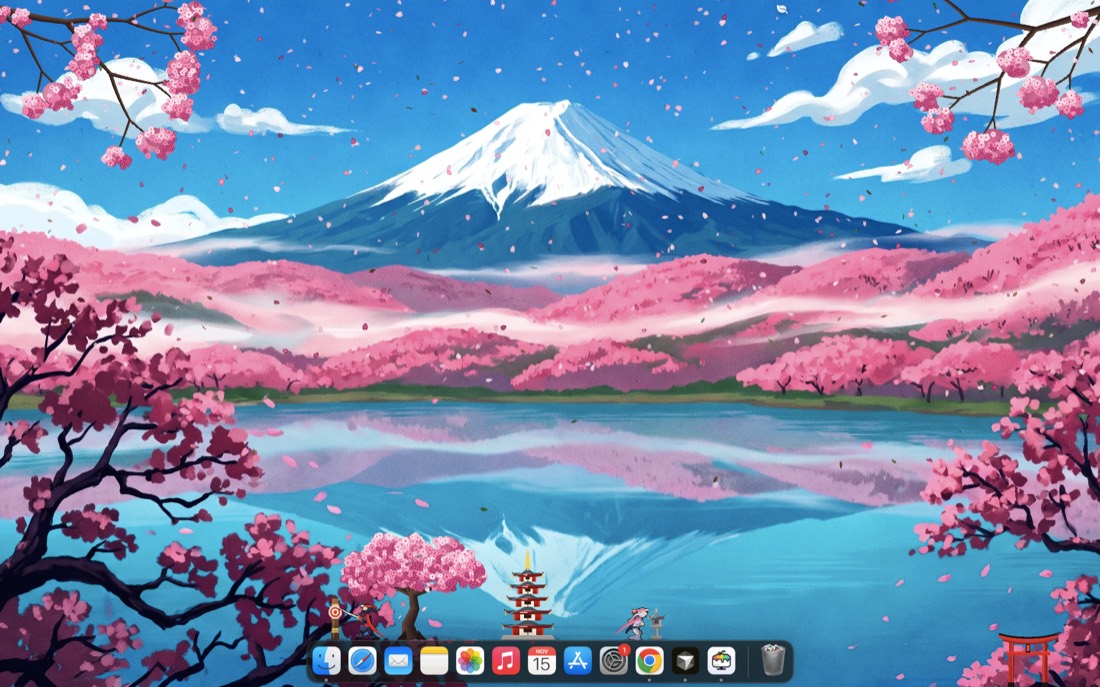
Hanami
- The world you choose, every feature
- Every update to it
- Works on Mac and Windows
All worlds


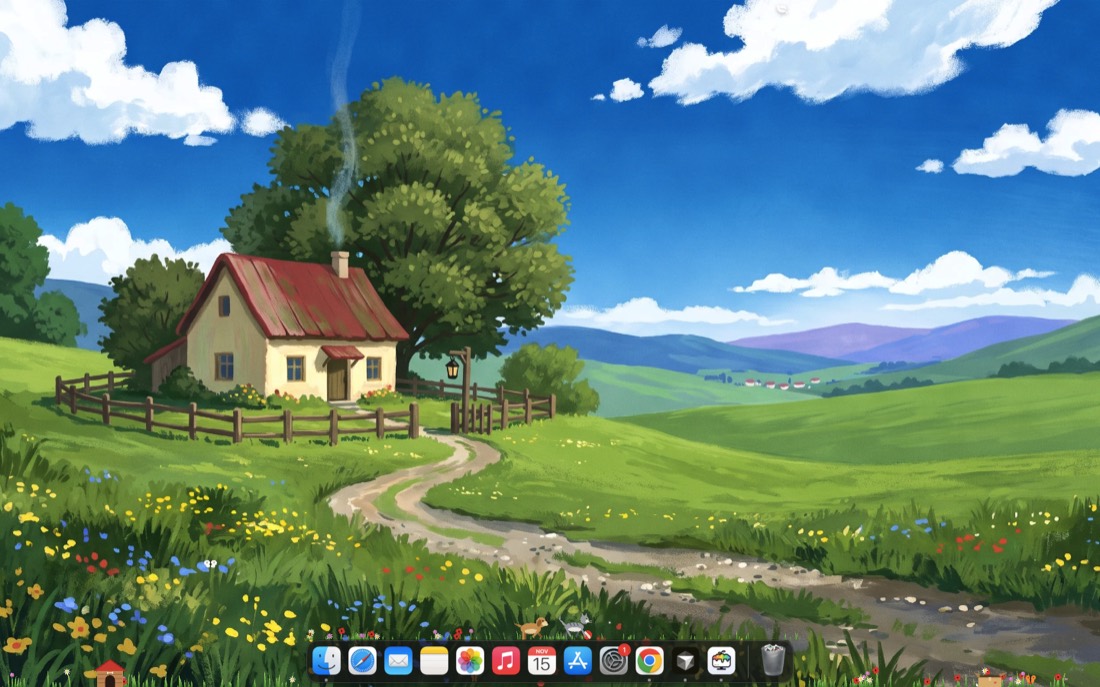
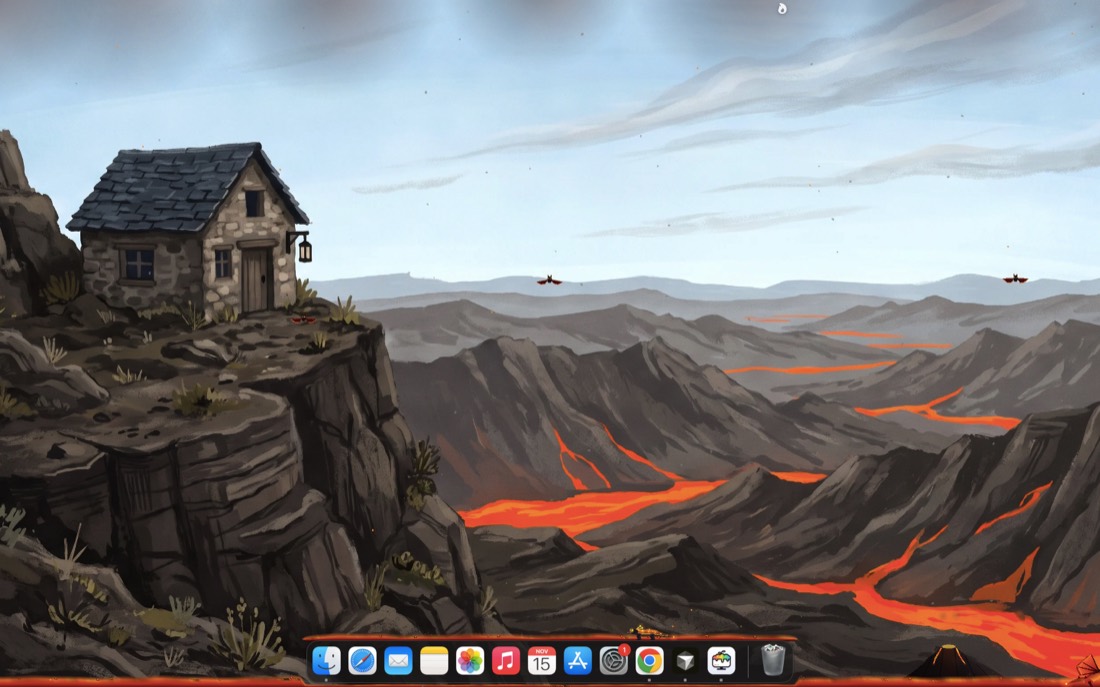
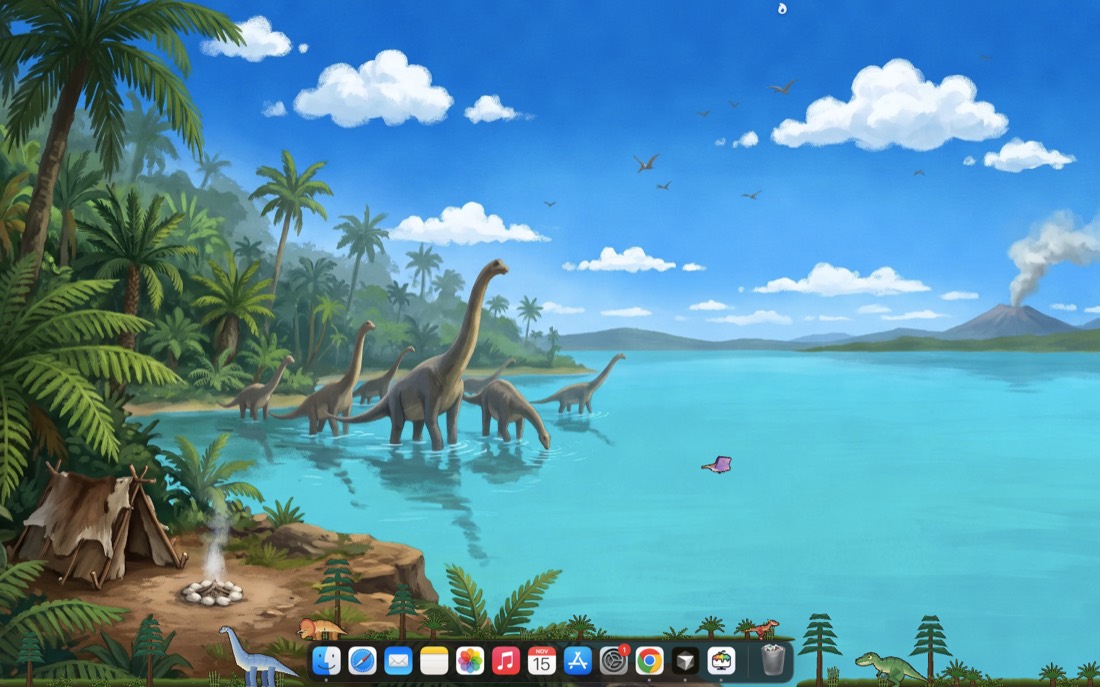
Every world
- Every world in the library today
- Every new world we add later, at no extra cost
- Every update to all of them
Buy once · no subscription · Mac and Windows
All sales are final. We only refund if it does not work on your computer, you tell us within 3 days of buying, and we cannot fix it. Read the refund policy
MundoDesk is a digital product: desktop software for Mac and Windows, delivered as an instant download with a license key sent by email. Nothing is shipped. Payments are handled securely by Paddle, our Merchant of Record.
Download MundoDesk
Already bought? Install the app, then paste the license key from your email.
A few things worth knowing.
What do I get when I buy?+
A license key for the world you picked, or for every world if you buy the bundle. Every feature is included, and so is every update. It is one payment and there is no subscription.
How do I get started?+
1. Download MundoDesk for your computer at the top of this page. 2. Mac: drag it into Applications. Windows: unzip it and run MundoDesk.exe. If your computer warns you the first time, on a Mac right-click the app and choose Open, on Windows choose “More info”, then “Run anyway”. 3. Paste the license key from your email and press Activate. It needs the internet once, then works offline. 4. Pick a world, press Open, then Start. Only one world runs at a time, and Quit MundoDesk stops it. To update, press the Update button when it appears. To move to a new computer, press Deactivate on the old one and use the same key on the new one.
Can I use it on more than one computer?+
There are two kinds of license, for any world or for all worlds: one covers 1 computer, the other covers up to 5.
Will you add more worlds?+
Yes. Anyone with the all-worlds license gets every new world we add at no extra cost, and the all-worlds price goes up as the library grows, so buying early is the best deal. If you own single worlds, new worlds are available to you at a loyalty price, and what you already paid counts toward the all-worlds license.
Can I get a refund?+
All sales are final. We only refund if MundoDesk does not work on your computer, you tell us within 3 days of buying, and we cannot fix it. Write to [email protected]. This does not take away any right your country’s law gives you that cannot be waived.